SharePoint components - business process without development, InfoPath, SharePoint Designer or workflows. SharePoint Services, SharePoint Foundation & SharePoint Server 2007-2013.

Infowise Ltd, SharePoint web parts and solutions
Skip Navigation LinksHome > Products > Product Details
Smart List Pro

SharePoint 2013 Ready
Instantly turn your SharePoint lists into full-fledged applications using tab and column permissions, Wizard mode, custom input validation, view permissions and much more
User Guide
User Guide
Download
Free 30-day Trial
Buy Now
Buy Now

Overview
Features
Images
Version History
Purchase
  
Business Processes
  
User Interface
Download
Your SharePoint is already an almost perfect platform for running most business applications you will ever need. Now it's just time to fill in some gaps to make it truely great!

Smart List Pro, a component of Ultimate Forms, seamlessly adds the missing functionality, so you can build everything you need in minutes, using just your browser.

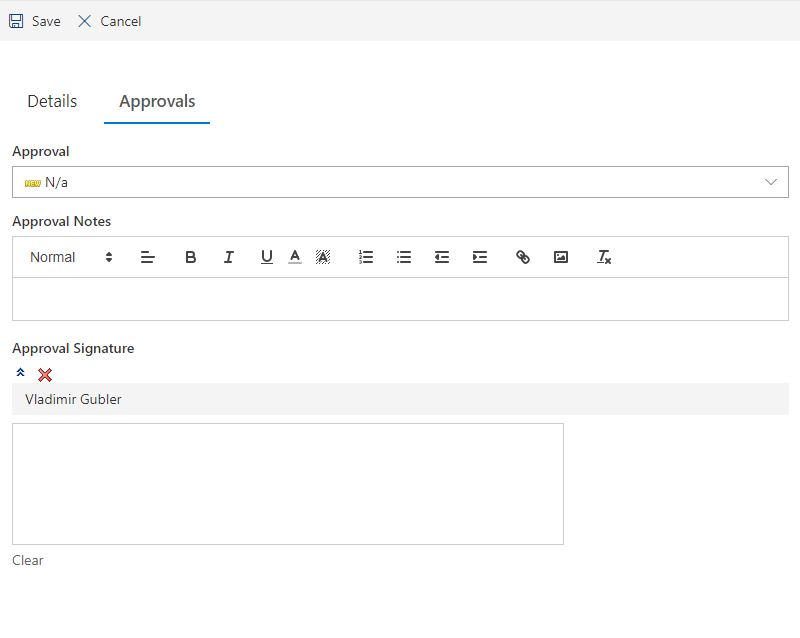
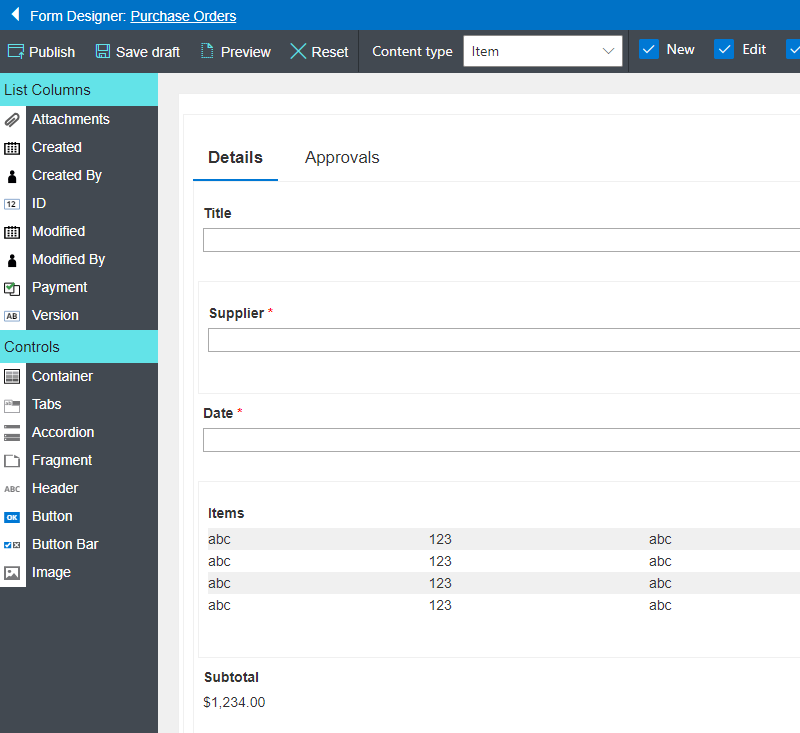
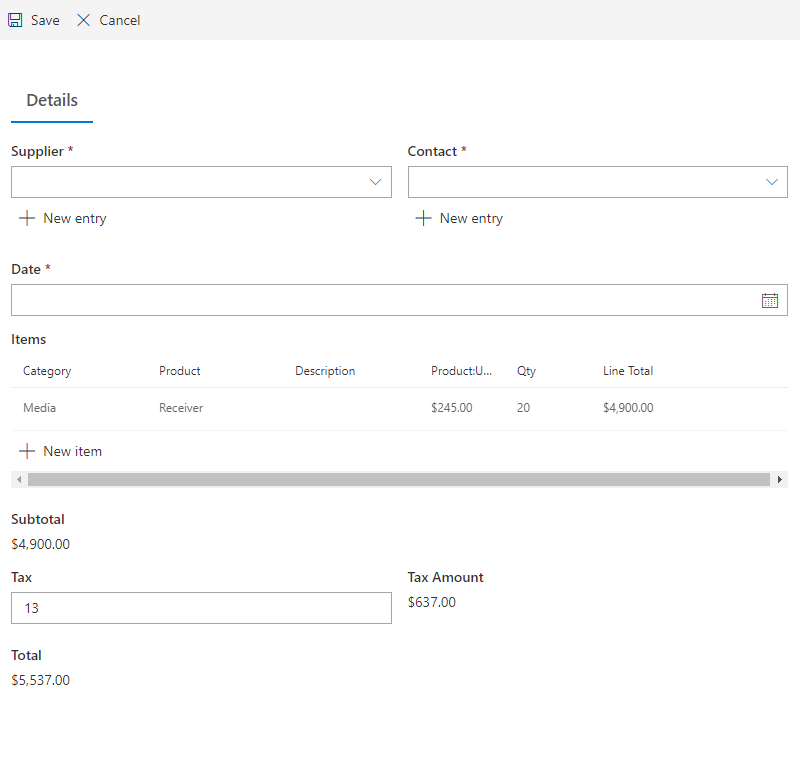
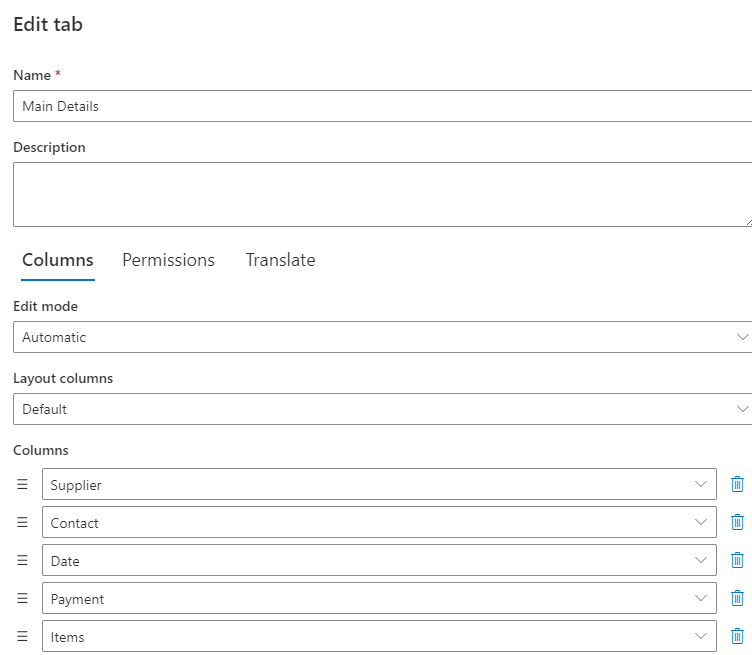
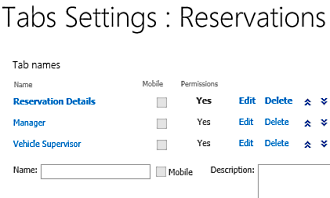
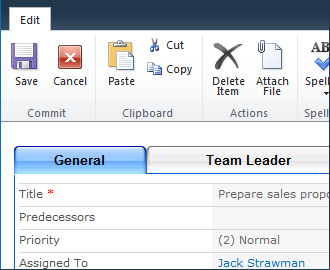
  • Tabs and Tab Permissions – design your SharePoint form using tabbed interface and use the tabs as stages of your business process.
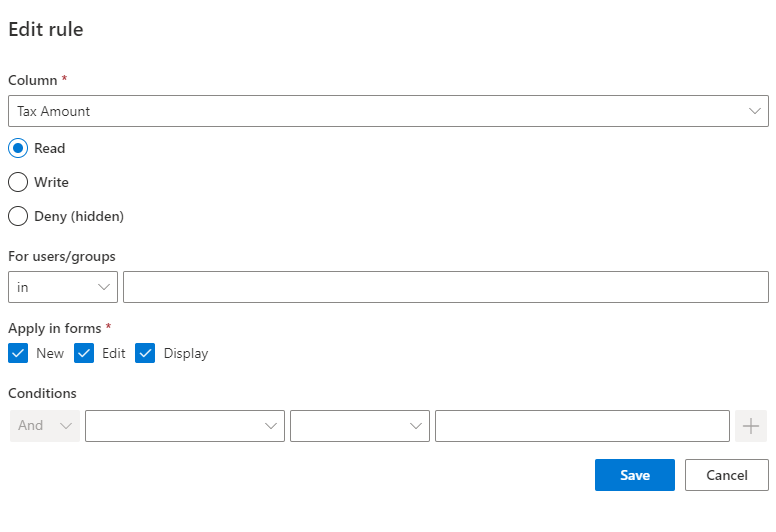
  • Advanced Column Permissions – gain precise control over each column, subject to conditions and user identity.
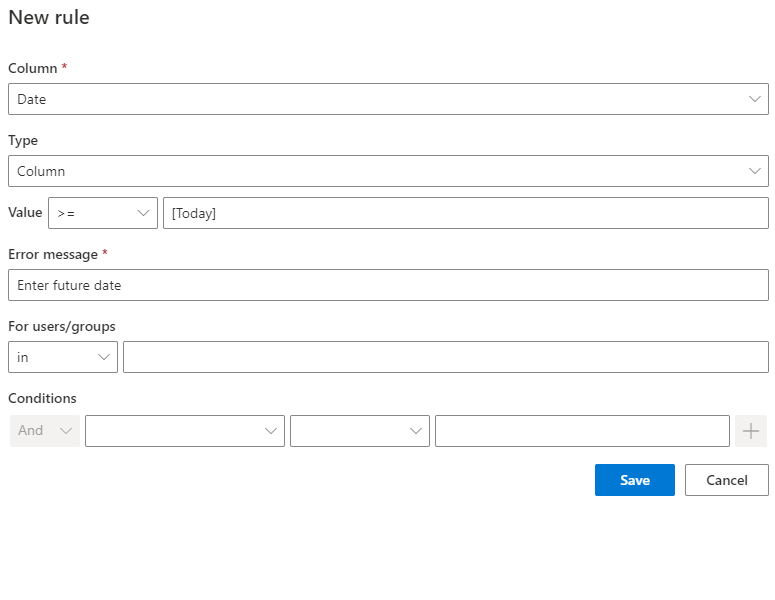
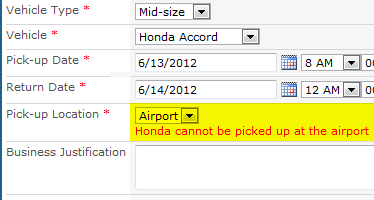
  • Column Value Validation – advanced input validation rules at your disposal.
  • View Permissions - set permissions on list views, set different default views for different users.
  • Default Values – set initial column values for new items, even set different values for different users.
  • Wizard Mode - fill out forms step-by-step, each step depending on the values entered in previous steps
  • Mobile Support - use Smart List Mobile to enable simplified data entry for users on-the-go
  • Smart Alerts - notify about progress with Smart Alert Pro
  • Template Support - your settings are always preserved when you use site or list templates
For walkthrough on configuring a sample business process, read our blog post

Preview

DescriptionClick to expand

Why choose Smart List Pro?

  1. SharePoint is the #1 tool for electronic forms, but it has its limitations. Smart List Pro provides capabilities previously only available in InfoPath or custom solutions.
  2. Seamless integration with SharePoint empowers every user to create advanced forms using nothing but a web browser.
  3. Column permissions support for Datasheet view and web services.
  4. Maintain your Smart List Pro settings when backing, restoring, exporting or saving your lists as templates.
  5. Need to be notified when it's your turn to update an item? Check out Smart Alert Pro and see how it integrates with tab permissions to help you build full-featured systems!
Need a simpler solution? Check out our free version - Smart List Lite!

Forms creation is real simple and goes hand in hand with the built-in capabilities of SharePoint. Smart List Pro extends SharePoint lists with a multitude of new cool features: tabbed views with permissions, advanced column permissions, view permissions, default values, advanced field validation and more, completely covering the needs of over 80% of all forms you will ever need.

Smart List Pro is very simple to use, so forms are easy to create, maintain and use for users with basic SharePoint skills. Join the success and download now the Smart List Pro trial version, if you still need assistance, just contact us and we'll be happy to help you.

What You Can DoClick to expand
  • Create complex workflow using simple list items, turning on and off visibility of columns according to the workflow status
  • Break down complex metadata forms into topics
  • Store sensitive metadata with the item and hide it from unauthorized users
  • Save time on data entry with smart default values

Upcoming FeaturesClick to expand
    Component of Ultimate Forms
    Get tips, news and announcements
    Schedule Interactive Demo Now


    Localization

    Note: Would you like to use this product in your own language? Use our easy-to-use translation utility to help us add more supported languages. We will incorporate your translation and make it available to everyone!
    Read more here

    Run the installation package and follow the on-screen instructions. Afterwards, make sure the site collection feature is enabled and use the new options on list settings page.

    Feature Image Our Product SharePoint Native
    Show columns in tabs caption  Included  
    Theming support for Tabs caption  Included  
    Show columns in groups caption  Included  
    Assign permissions to tabs/groups   Included  
    Specify default tab for every user   Included  
    Columns hidden or read-only based on current user identity caption  Included  
    Columns hidden or read-only based on columns values   Included  
    Columns hidden or read-only based on current form type caption  Included  
    Attachments permissions based on current user identity caption  Included  
    Default values for any column   Included  
    Set default values via query string parameters   Included  
    Permissions on list views caption  Included  
    Create business processes and multi-stage input forms using SharePoint alone   Included  
    Seamlessly package list settings within site and list templates   Included  
    Unlimited number of settings (compared to Smart List Lite)   Included  
    Multiple look and feel Themes   Included  
    Wizard-driven multi-step form filling   Included  
    Add descriptions to tabs and groups   Included  
    Mobile tabs for Smart List Mobile   Included  
    Works with Smart Alert Pro to send notifications when tab permission conditions apply   Included  
    Localized into English, French, German, Swedish, Russian, Persian, Czech and Spanish   Included  

    Note: unless specifically stated otherwise, all products require only Windows SharePoint Services 3.0 or SharePoint Foundation 4.0/5.0. Microsoft Office SharePoint Server 2007 (MOSS 2007) and SharePoint Server 2010/2013 are supported, but not required. All of our products must be installed as farm solutions.

      First Previous   Next Last
    Image  of   
    SLP-2010-Fields-permissions.PNGSLP-2010-Read-Only-Fields.PNGSLP-2010-Views-Permissions.PNGslp2010-2_showgroups.pngSLP2010-3-inputvalidation.PNGSLP2010-column-permissions.PNGSLP2010-settings.pngslp2010_Theme.pngSLP_2010-attachment-permissions.PNGtabs.pngvalidation.png
    RSS

    Want to get notified when new versions come out?
    Subscribe to our RSS feed now!

    Version Release Date Changes
    1.17.11 16-May-2013
  • Improved error handling
  • 1.17.10 11-May-2013
  • Improved handling of datasheet views
  • 1.17.9 07-May-2013
  • Fixed: task lists under 2013
  • 1.17.8 31-Mar-2013
  • Additional error handling
  • 1.17.7 26-Mar-2013
  • Fix: datasheet support
  • 1.17.6 19-Mar-2013
  • Improved support for Claims authentication
  • 1.17.5 18-Mar-2013
  • Improved group permissions resolution
  • 1.17.3 12-Mar-2013
  • Block data grid from view permissions settings in SharePoint 2013
  • Most Recent Newer Older 

    Want to try before you buy? Just download the 30-day full-featured trial version! You can even turn it into a registered version by simply entering a license key.

      Download

    Every server running Windows SharePoint Services Web Application requires a license, regardless whether or not it is accessed by users. Free licenses for application servers will be provided upon request.

    License TypeDescriptionPriceBuy
    Server License with Annual SupportFront-end server license with a technical support plan999 US$
    Server LicenseFront-end server license849 US$
    Developer LicenseAt least one full-priced server license is required199 US$
    Annual Support RenewalTechnical support plan for a year249 US$
    License Types
    • Server License with Annual Support - entitles you to the right of installing the product on one front-end server, including the right to contact us on non-bug related issues within the period of one year, you may also upgrade to any future major version. This could be help with installation, integration or customizations. Bug fixes are included with any license free of charge.
    • Server License - entitles you to the right of installing the product on one front-end server. Front-end server is one responding to user requests (web server). This license is not time-limited, but you are not entitled to new major versions, except for explicit bug fixes and minor upgrades.
    • Developer License - entitles you to the right of installing the product on one front-end server in non-production environment. You can use this license for your test/integration/pre-production farms. Note that you must order at least one full server license to have the right to order a developer license.
    • Annual Support Renewal - extends the annual support to another year. You must order the original product with annual support to be eligible for this renewal.

    Please contact us for additional licensing plans, including volume discounts.


    Copyright © 2005-2013 Infowise Solutions Ltd. All rights reserved. Microsoft, SharePoint, WSS and MOSS are trademarks of the Microsoft Corporation.