Forms
Actions
Alerts
Associated Items
Connected Lookup
Print
Import
Signature
External Data Lookup
Calendar
Rollups
Charts
List Search
Filters
Item IDs
Color Choice
User Property
Document Link
Voting
Stay in the know
Get helpful videos
Turn any simple list into a complete business solution! Assign related tasks, items and documents and manage their lifecycles, and all that from within the parent item itself. No more clicking through pages, see it all at once, drill down and make your business decisions on the spot.

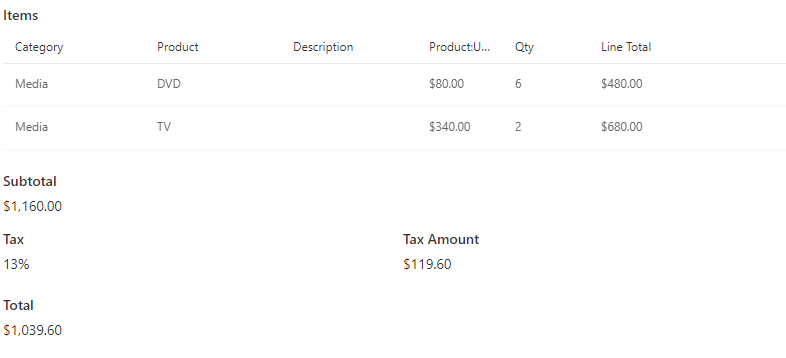
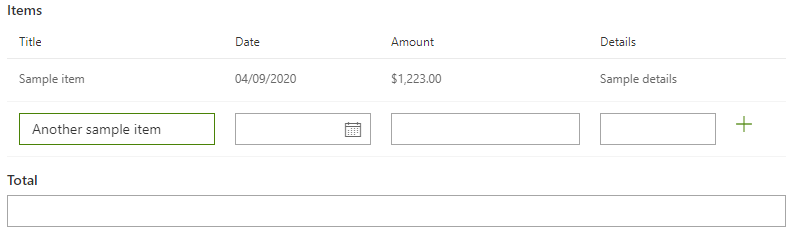
- Display a fully-functional list of related items directly on parent item's forms, similar to repeating sections in InfoPath
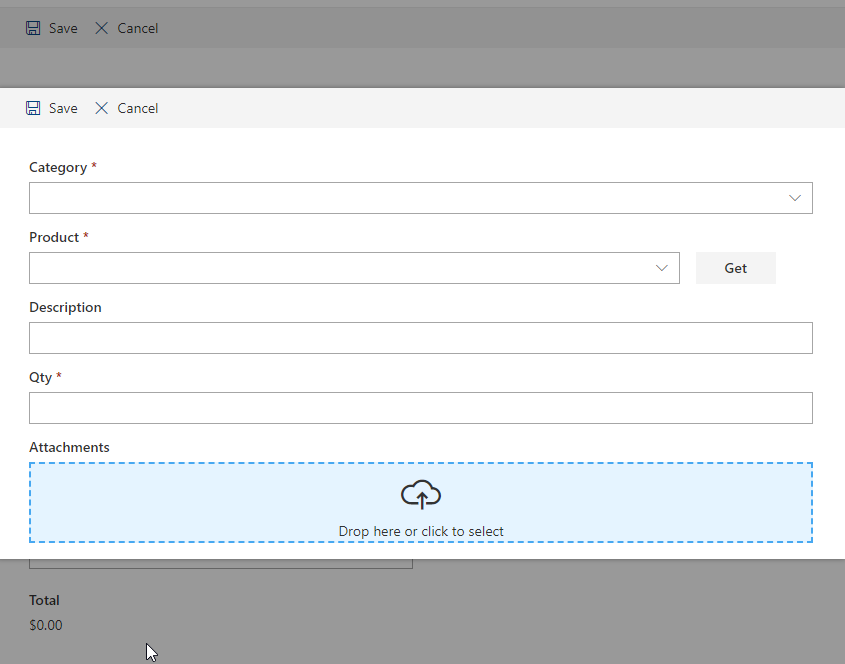
- Create new related items directly from the new/edit/display form of the parent item
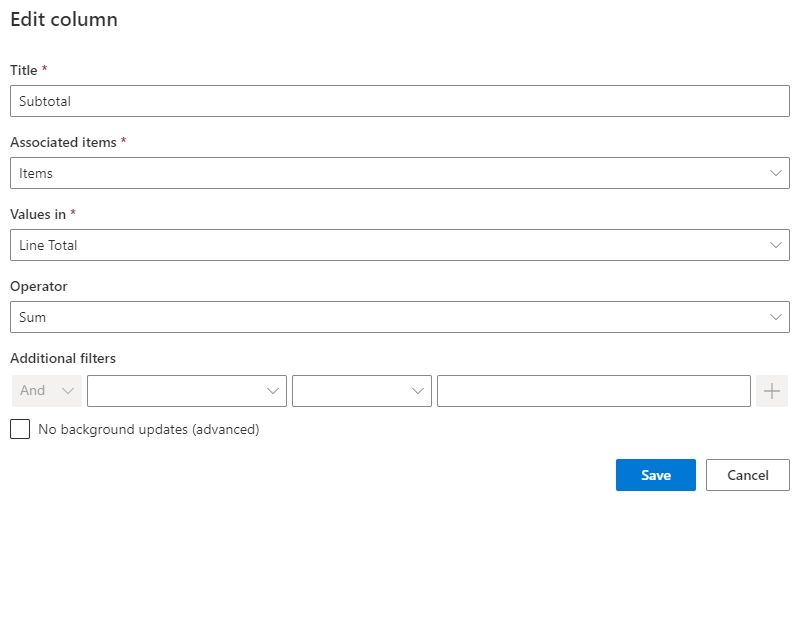
- Use summary columns to automatically generate summary values of your related items (e.g count, sum, average, concatenate)
- Track and managed associated items directly from the parent item using a full-featured context menu
- Sorting, paging and view selection of related items
- Perform bulk actions on all related items with a click of the mouse
- Works with all content types
- AJAX support for entering data without page refreshes
- Special content types and list template included, so you can start straight away
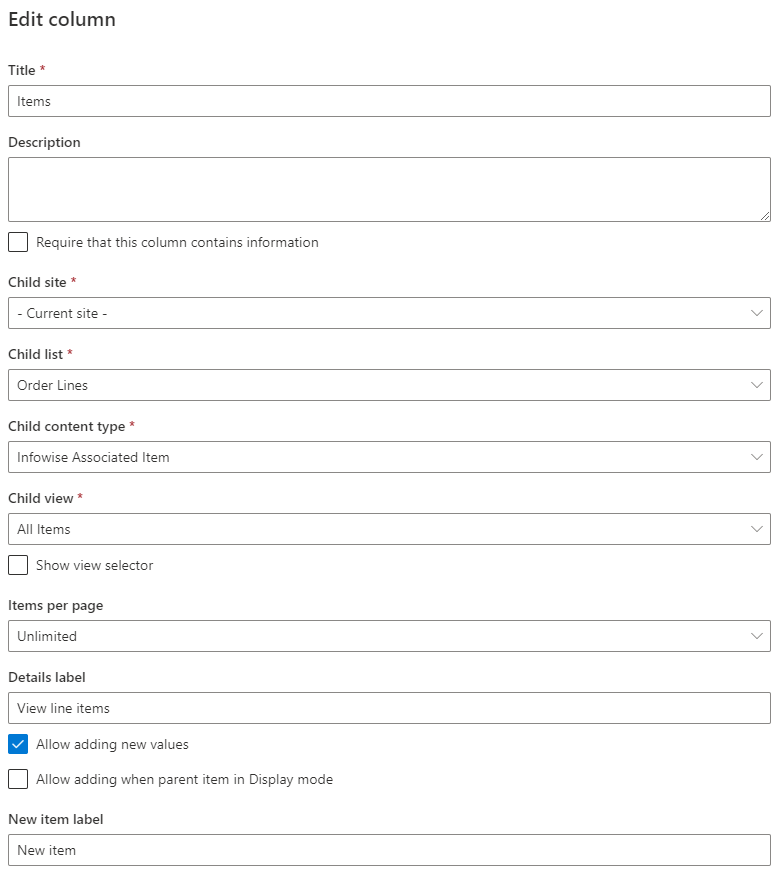
Add and manage related items or documents for any list item or document. Both same site and cross-site relationships are supported.
The associated items appear in a view of your choosing, complete with sorting, paging and full-featured context menu. You can create and edit related items directly from within the parent item.
Features
| UltimateForms | SharePoint Native | |
|---|---|---|
| Add related items for any item from within the item itself | ✓ |
|
| Adds repeating seciton functionality to regular lists | ✓ |
|
| Special easy task in-line entry form | ✓ |
|
| Optional pre-defined task title for simplified data entry | ✓ |
|
| Define bulk actions to perform on all related items | ✓ |
|
| Show related items in a pre-defined, customizable view | ✓ |
|
| Optionally, show a view selector to enable switching views | ✓ |
|
| Automatically generate tasks for a group of users with a touch of a button | ✓ |
|
| Add related items using datasheet view | ✓ |
|
| Works with provided content types or any lookup | ✓ |
|
| Track relationships between parent and child items | ✓ |
|
| Localized into English, French, Spanish and German | ✓ |
✓
|
Screenshots